

⏳ Short on time? Here are the best blogging tools for 2024:
WordPress.com – Most popular free software, used by Fortune 500 companies and millions of bloggers.
WordPress.org – Best open-source blogging platform for serious bloggers. 1-click WordPress install provided by Bluehost.
Are you planning to start a blog but not sure which blogging site to use?
You are not alone. In fact, the most common question I get asked is – What is the best blogging platform for beginners?
When I started blogging in 2010, I wondered the same thing.
Hi there, my name is Artem.
In this guide, I’ll share with you all of the available sites for blogging and give you recommendations based on my hands-on experience working with blogs for the last eight years.
Also, our team has done several surveys and collected blogosphere stats to find the most popular free blogging sites (and premium blogging platforms) on the web.
P.S. If you have any questions, feel free to contact us for any assistance.
Disclosure: FirstSiteGuide is supported by our readers. When you purchase through links on our site (i.e. WordPress.com blogging platform), we may earn an affiliate commission and it comes at no extra cost for you. We test and try all the products that we recommend.
EDITORS’ CHOICE



Whether you want to build a blog for hobby blogging or you would like to find the best blogging software to make money and grow your blog as a business, finding the right blog site is imperative for your blog’s success.
Several top blogging platforms offer a range of capabilities – and one is bound to suit your needs.
The 9 best blogging sites and platforms
Let’s take a look at some of the best blog sites available on the web today and how they compare against each other.
- WordPress.com Best free blogging platform
- WordPress.org Best platform for serious bloggers
- Wix.com Best blog website builder for beginners
- Medium.com Simple platform for writing
- Blogger.com Publishing platform by Google
- Tumblr.com Best microblogging site
- Ghost.org Best WordPress alternative
- Postach.io Blogging powered by Evernote
- Weebly.com Plain drag and drop builder functions
If you are a beginner, you will want a platform that is easy to set up and easy to use (requires no coding skills). I’ll explain what each blogging platform has to offer, by highlighting their key features and showing their pricing plans.
WordPress.com — Best free blogging platform
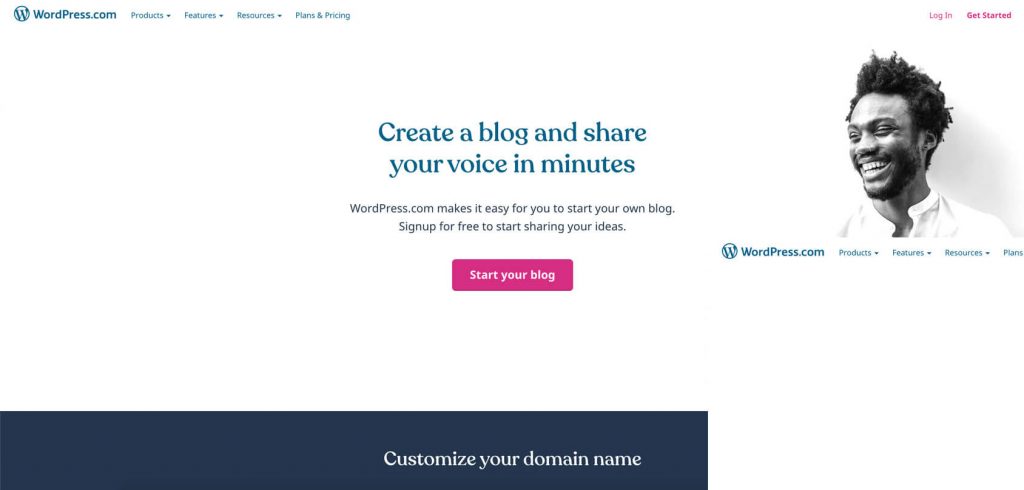
WordPress.com is a hosted version of the open-source platform WordPress.org. It is a commercial project that offers a free trial plan with upgrades for a premium plan and custom domain.
According to our survey, it’s one of the most popular hosted blogging platforms out there. If you are an absolute beginner with no technical knowledge, but you want to build your blogging site, WordPress.com is the perfect site for you.
I recommend this software to all new bloggers as a good starting point.
The online publishing software is free to use (but your domain name will be formed as a subdomain and look like this – yourblogname.wordpress.com), and you can test it out after you create an account on the WordPress.com site.
This gives you a unique opportunity to try the best blogging platform and blog for free before you decide to upgrade to a premium plan. With the upgrade, you will be able to set up a domain and use the advanced features.
The WordPress site often rolls out new features and updates to continually enhance the user experience.
Key features
- Custom domains – free domain for one year, available for a paid plan on WordPress.com.
- Get traffic stats – determine what your visitors find engaging.
- Create media galleries – integrate images and videos with the drag & drop option.
- Social media integration – share your posts on social platforms automatically.
- Comprehensive SEO tools – help your readers find you easily.
- Variety of personalized themes – with new themes being added every week.
- Mobile-responsive blog sites – select from several mobile-responsive themes.
Plans and pricing
WordPress.com comes with the following plans – Free, Personal, Premium, Business, and eCommerce:
Free
- Free of charge
Free of charge, 1GB of space storage, use with limited features and subdomain only.
Personal
-
$4 per month
1-year plan billed as one payment of $48.00 - $9 per month
Comes with a free domain name (1 year), 6GB of space storage, SSL certificate, a custom email address with your own domain, unlimited website administrators, access to email chat support, and no ads on a page.
Premium
-
$8 per month
1-year plan billed as one payment of $96.00 - $18 per month
Comes with a free domain name (1 year), SSL certificate, custom themes, 13GB of space storage, email and live chat support, no ads on a page, automated website backups, unlimited website administrators, built-in social media tools, ads monetization option, and Google Analytics support.
Business plan
-
$25 per month
1-year plan billed as one payment of $300.00 - $40 per month
Power your small business website with a free domain name (1 year), SSL certificate, 200GB of space storage, custom plugins and themes, 24/7 live chat support, SFTP & database access, SEO tools, ads monetization option, and Google Analytics support.
eCommerce plan
-
$45 per month
1-year plan billed as one payment of $540.00 - $70 per month
Best for online stores, powerful and flexible plan that lets you grow easily. It includes everything from the Business plan plus advanced eCommerce features.
WordPress.org — Best platform for serious bloggers
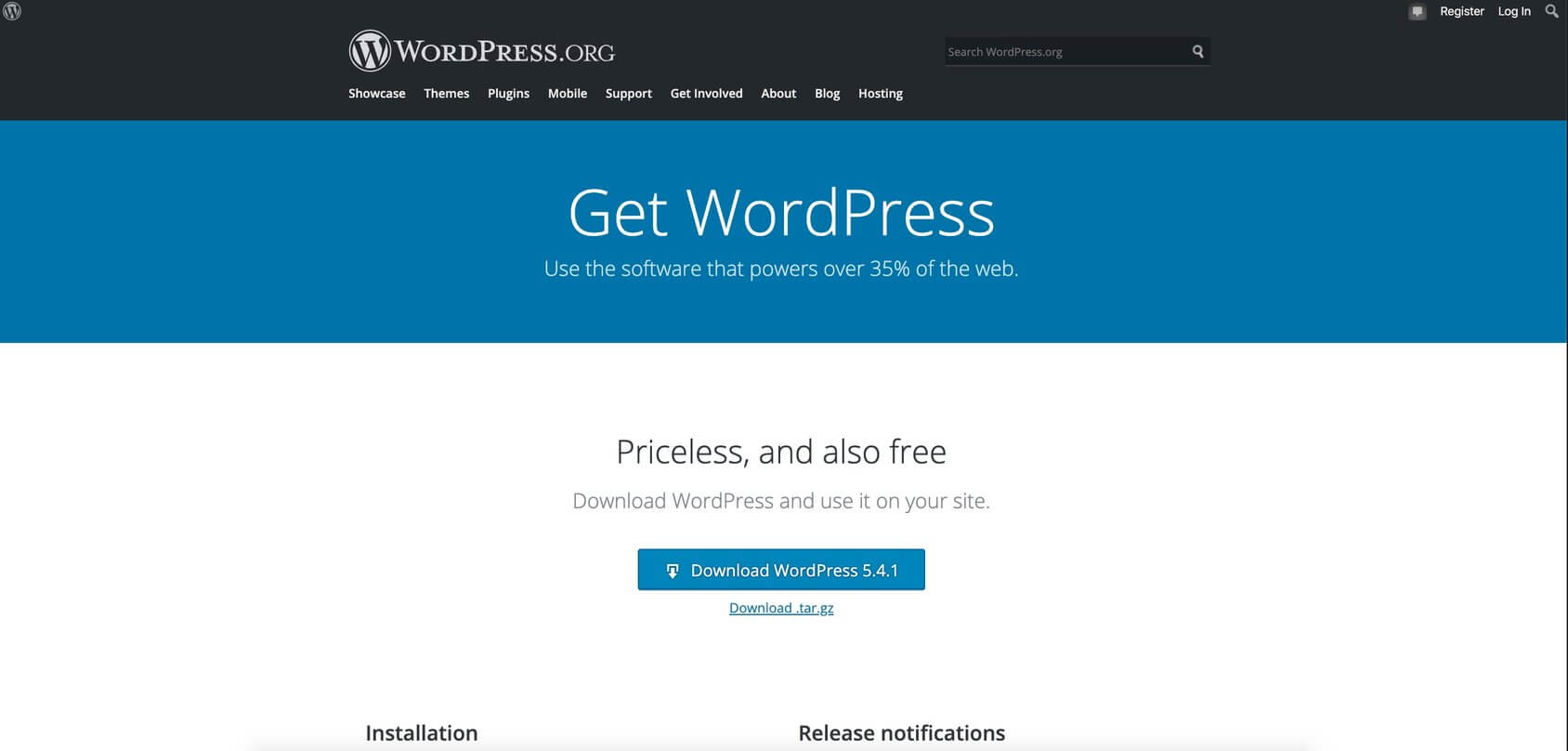
WordPress.org is free software (blogging platform) that combines simplicity with powerful features.
We used this CMS (content management system) to build our website, FirstSiteGuide.com.
We also recommend it as a preferred platform to create a blog for all serious bloggers in our – How to start a blog guide.
This tool enables you to start a blog website from scratch in a matter of minutes.
Many popular bloggers (Tim Ferriss, John Lee Dumas, Pat Flynn, and more) use this platform to create highly functional and profitable blogs. It is easy to set up – all you need to do is select a reliable WordPress hosting provider, install WordPress software, and explore the wealth of features that come with it. You get to build your blog just the way you want to, by using pre-designed free themes. There are templates that you can pick based on your preferred layout, look and feel, and color scheme.
The WordPress platform also comes with a powerful administration area (Dashboard) for maintenance, easy-to-use content publishing, and an overview of what’s happening on your blog.
WordPress.org has a large community of experts who provide tutorials that help newbies. Here, at FirstSiteGuide, we also cover various WordPress topics. You can check out our Learn WordPress section to level up your skills and understand the best practices.
Key features
- Reliable and secure – keeps data safe from malware.
- Mobile-responsive websites and blogs – pick from many mobile-friendly themes.
- Free themes – select a customized theme from hundreds of options in the theme WordPress theme directory.
- More than 55,000 plugins – access plugin directory to find ways to enhance your WordPress site.
- SEO tools – install Search Engine Optimization plugins that help you rank high in search engines.
- Simple publishing process – create content, integrate media, and make it live with a single click.
Plans and pricing
WordPress.org is an open-source (free) tool you can use to create a beautiful website or blog.
Free
- Free software
Open-source blogging platform. Your expenses will be a domain name and web hosting services of your choice.
To build a blog with WordPress.org, you will need a web hosting space and a custom domain name. For new bloggers, I recommend Bluehost.
I was able to negotiate a special deal only for my visitors, which includes:
- Free domain name
- The 30-day money-back guarantee period
- Discount price of $2.75 per month
Wix.com — Best blog website builder for beginners
Recently, they’ve been tapping into the blogging vertical with a specific blog website builder offer. You don’t need any prior coding experience or web development expertise to build a website or blog with Wix.
It’s simple to control and maintain blog sites with Wix. You can select a pre-made theme from their resources or customize an existing one according to your taste. In addition to stunning templates, here are examples of some great Wix sites. The Wix platform also packs the power of these amazing features
Key features
- Customizable templates – select a prototype and personalize it according to your blog’s theme.
- Mobile-responsive – mobile editor makes blogs mobile-friendly.
- SEO Optimization – create a personalized SEO plan to rank your blog.
- Freedom to design – drag and drop editor to customize any part of the site.
- Third-party integrations – integrate apps without coding skills.
- Comprehensive site builder – building and maintenance need in one place.
Plans and pricing
Wix blog builder comes with eight different plans – Free, Connect Domain, Combo, Unlimited, VIP, and Business & eCommerce (Basic, Unlimited, and VIP) plans:
Free
-
As Wix.com subdomain
example: yourblogname.wix.com
With this plan use can use the Wix.com subdomain, plus Wix ads displayed.
Connect domain
-
$4 per month
2-year plan billed as one payment of $96.00 -
$4.50 per month
1-year plan billed as one payment of $54.00 - $7 per month
With this plan, you can connect your custom domain, but Wix brand ads will be displayed.
Combo
-
$8 per month
2-year plan billed as one payment of $192.00 -
$8.50 per month
1-year plan billed as one payment of $102.00 - $12 per month
This plan comes with a free domain and Wix ads will be removed.
Unlimited
-
$11.50 per month
2-year plan billed as one payment of $276.00 -
$12.50 per month
1-year plan billed as one payment of $150.00 - $16 per month
This plan comes with unlimited bandwidth and increases storage.
VIP
-
$23 per month
2-year plan billed as one payment of $552.00 -
$24.50 per month
1-year plan billed as one payment of $294.00 - $30 per month
This plan comes with all the features as Unlimited, plus you get VIP support.
Medium.com — Simple platform for writing
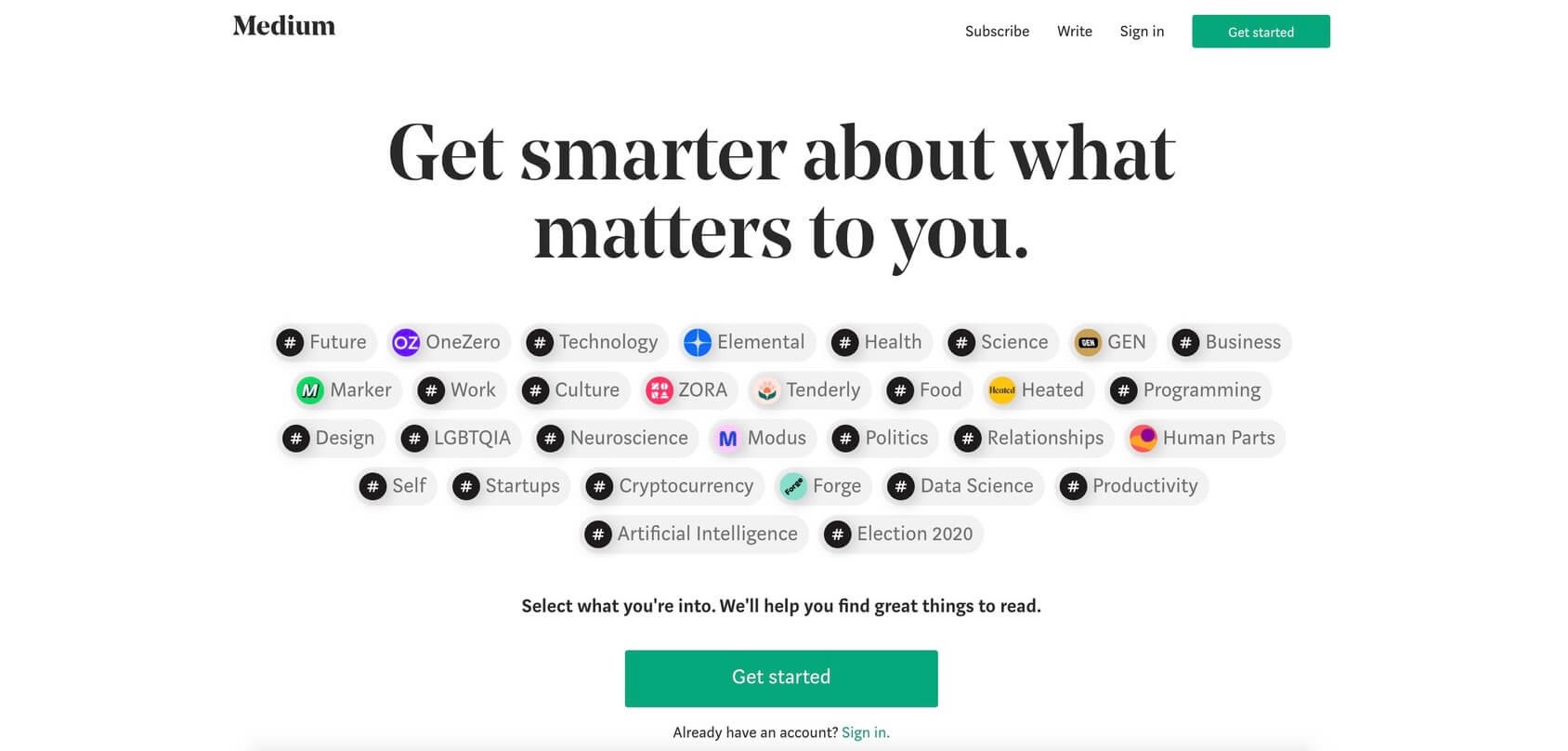
Medium is different from the rest of the free blogging sites. It offers a no-frills approach to content publishing as it allows bloggers to write what they are passionate about without having to worry about coding, design, domain, or other issues.
You can also use it as an additional channel to share your content; for example, you can repurpose content from your existing blog post created on other blogging platforms such as WordPress and post it on Medium. That’s how most professional bloggers use it.
You can post stories for the vast community of readers that visit Medium and get appreciation and feedback from them. It is also possible to connect with avid readers who are willing to pay for quality content through the Medium Partner Program. This way, you can monetize your blog posts while sharing your ideas and opinions with the world.
To start blogging with Medium, sign up, and share your content with the editorial team who analyze them according to their standards. If you create quality content that follows their guidelines you can start earning money by attracting subscribers.
Key features
- Vast audience – convert millions of site readers into your subscribers.
- A free app – access Medium on your mobile devices from anywhere.
- Monetization – earn money when someone reads your content.
- Social media integration – share your content on social networks.
- Media embeds – integrate various forms of media files.
Plans and pricing
Medium started as a free platform for publishers but recently started to offer membership subscriptions.
Free
- Post your own stories
Free to use, you can post your own stories. Plus, you get access to unlimited public stories and three exclusive stories per month.
Membership
- $5 per month
- $50 per year
With the membership, you can subscribe for unlimited access to the smartest writers and biggest ideas on Medium. No ads and you can access it on any device.
Blogger.com — Publishing platform by Google
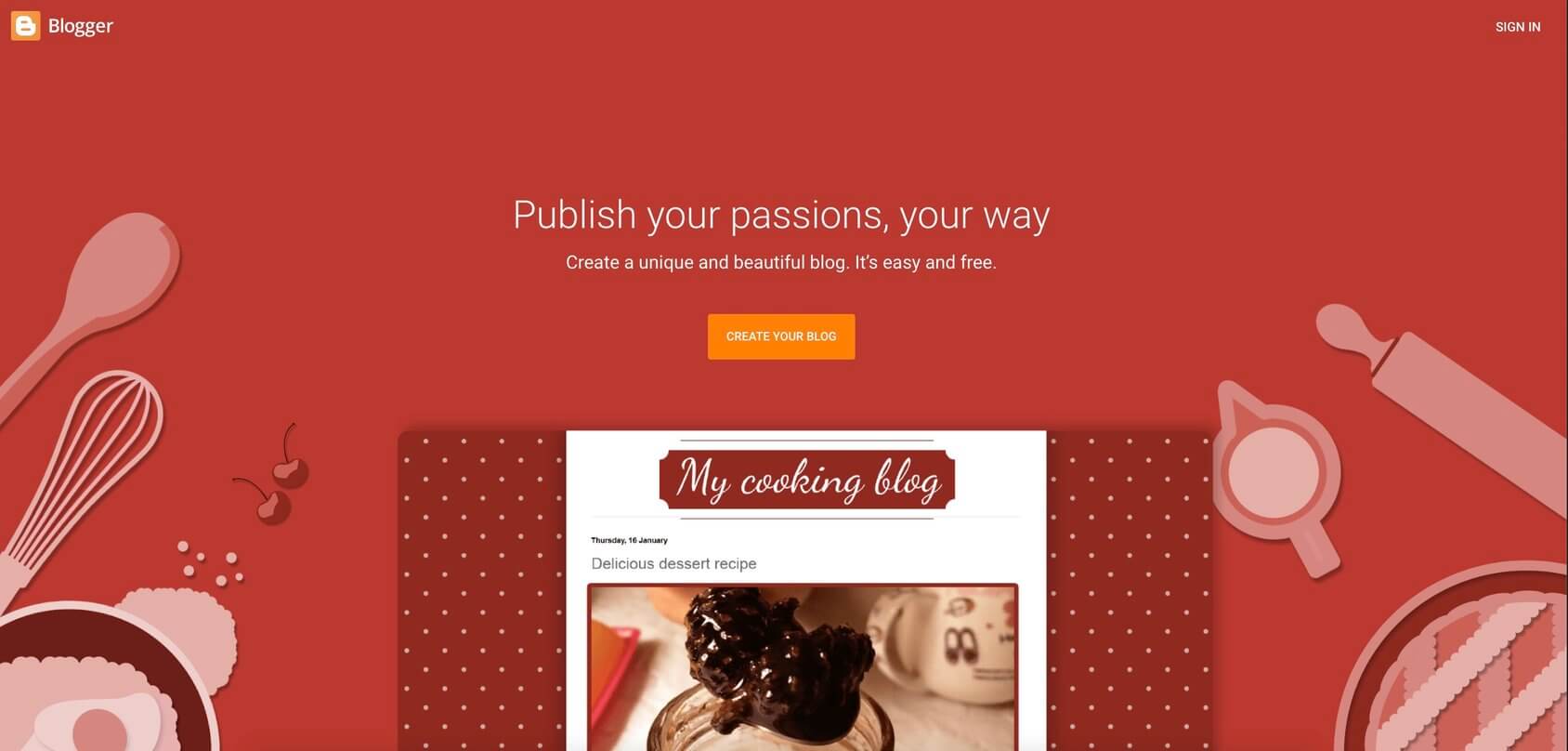
Blogger is one of the best free blogging platforms that offer a secure and reliable way to create a blog.
This hosted blog platform was launched in 1999 and later acquired by Google. You don’t need a hosting provider to start using it. All you need to do is log in using a Google account – you’ll be asked to follow the simple guidelines provided on the Blogger to make a blog for free. There’s no need for technical knowledge or coding experience as the site is quite intuitive in design and setup. It remains a widely used solution; however, I see more people moving away from it. The good news is that the platform is free, and you can test it without any commitment. Let’s take a look at some pros and cons of this blog site.
Key features
- Free or custom domain – free subdomain via blogspot.com or buy your own domain name.
- Easy to use templates – focus on the design of your blog using flexible layouts and background images.
- Featured ads – monetize by integrating with Google AdSense.
- Analytics – assess your blog’s traffic and see the content getting the most visits.
- Secure storage – store your media files with Google.
Plans and pricing
The good news is that it’s free, and you can test it without any commitment.
Free plan
-
As Blogger.com subdomain
example: yourblogname.blogger.com
You can connect a custom domain name to your blog, by buying and setting it up.
Tumblr.com — The best microblogging site
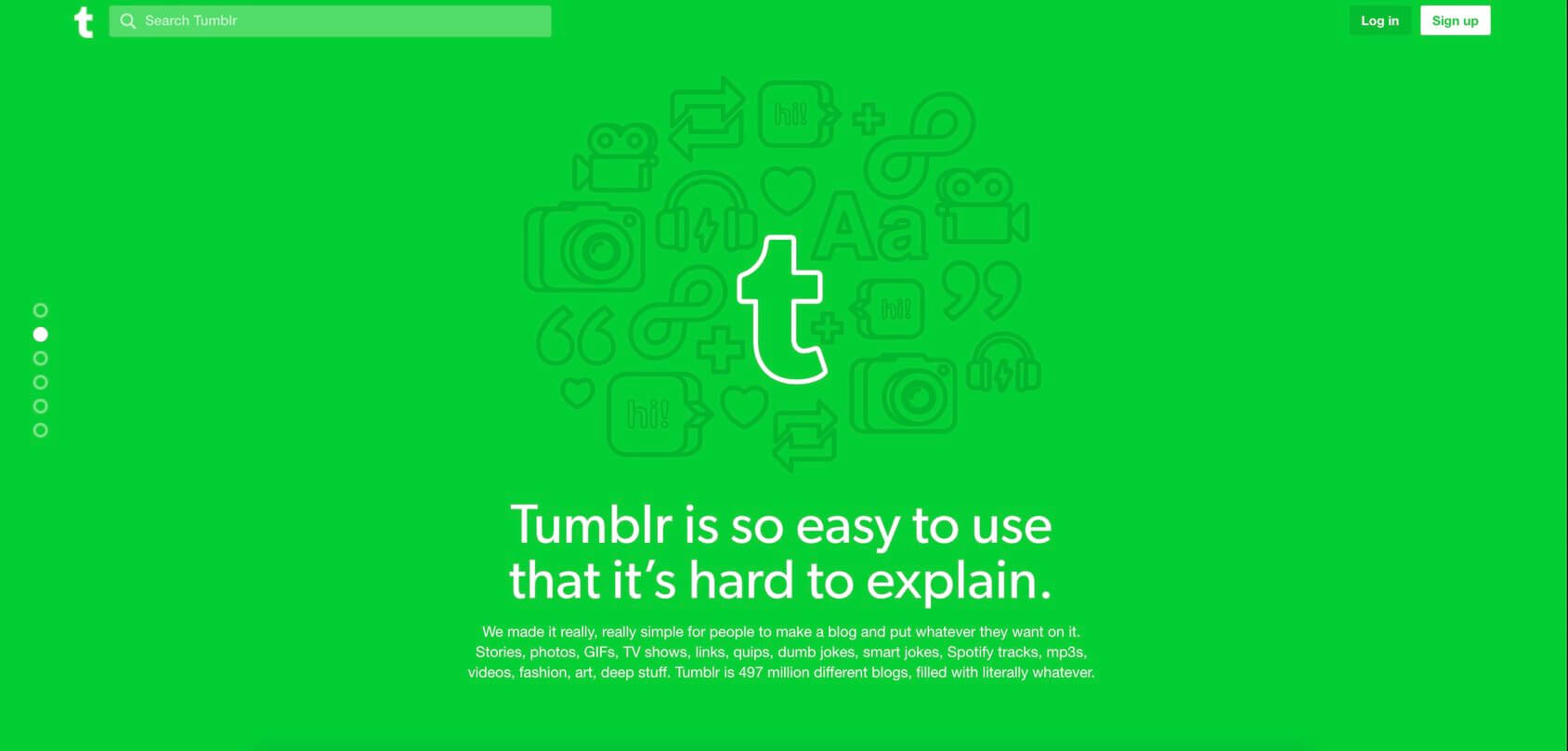
Founded in 2007, Tumblr is a microblogging platform and social media website joined together. Tumblr’s main focus is on multimedia and short-form content. If you are a writer and planning to write longer-form content, I wouldn’t recommend starting with Tumblr. It’s often used as a social network site because you can integrate a variety of media files such as photos, videos, and audio files You can also embellish your blog with GIFS, stickers, and some text. Users have the option of designing their Tumblr page with customizable themes, fonts, layouts, and many other design options.
Tumblr is ideal for bloggers who have a heightened focus on visual content. It is a global site that is visited by millions of people every day who repost their favorite blog posts and initiate conversations.
Key features
- Custom domains – choose a domain name composed of 64 characters or less.
- Export tool – gathers your content in a ZIP file to export.
- Password-protection – blogs can only be viewed through the correct password.
- Customized themes – the ability to personalize anything you set your eyes on.
- Social media integration – share your Tumblr posts on social platforms.
Plans and pricing
Free
-
As Tumblr.com subdomain
example: yourblogname.tumblr.com
You get to use this platform as a free blog site with a subdomain, i.e., yourblogname.tumblr.com. If you wish to, you can connect your own custom domain.
Ghost.org — Best WordPress alternative
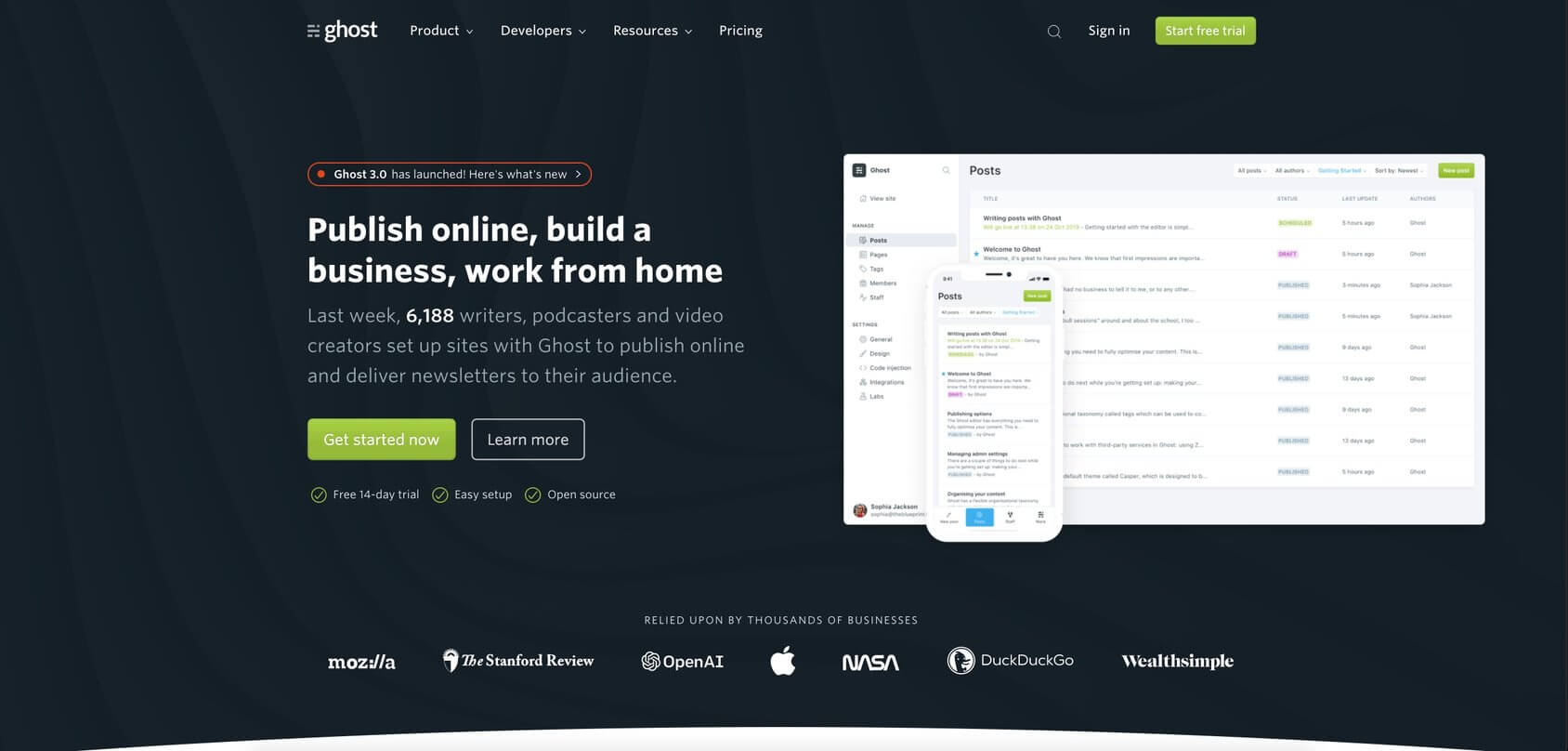
Ghost is an open-source blogging platform meant for journalists, editors, and writers. The product was launched in 2013 through a successful Kickstarter campaign (and it’s a good alternative to the best blogging platform – WordPress)
You can be in control of the design of your blog and the kind of experience you want to create for your readers. There are absolutely no rules when it comes to this tool – no limits on customizations or social media restrictions. Sign up to get started and publish your content for a vast audience as you target readers through email newsletters and monetize your written pieces through Ghost’s premium plans.
You can benefit from a collection of publishing tools perfect for professionals who want complete control over their site. These tools allow you to code and add functionality to your blog using modern technology.
Also, Ghost is fully managed through state-of-the-art cloud management technology and offers comprehensive developer control. Let’s take a look at the pros and cons of the platform.
Key features
- Site editor – create and embed exciting media files and content.
- Content management – complete control over the content.
- Posts scheduling – create an editorial calendar to stay ahead of time.
- Powerful SEO tools – comprehensive SEO features for high rankings.
- Simple templates – use Handlebars stunning templates to build your blog.
- Automatic backups – never lose data with off-site location backups.
Plans and pricing
You can start using the platform for free and select one of the four paid plans after:
Free trial
- Get a 14-day trial period
Basic plan
-
$9.00 per month
1-year plan billed as one payment of $108.00 - $11 per month
Basic plan includes 1 staff user, 500 members, official Ghost themes, built-in integrations, and 5MB file uploads.
Creator plan
-
$25.00 per month
1-year plan billed as one payment of $300.00 - $31 per month
Creator plan includes 2 staff users, 1,000 members, custom themes, custom integrations, and 10MB file uploads.
Team plan
-
$50 per month
1-year plan billed as one payment of $600.00 - $63 per month
Team plan includes 5 staff users, 1,000 members, priority support, handles easily high volume traffic, and 25MB file uploads.
Business plan
-
$199.00 per month
1-year plan billed as one payment of $2388.00 - $249 per month
Business plan includes unlimited staff users, 10,000 members, 99.9% uptime SLA, and 50MB file uploads.
Postach.io — Blogging powered by Evernote
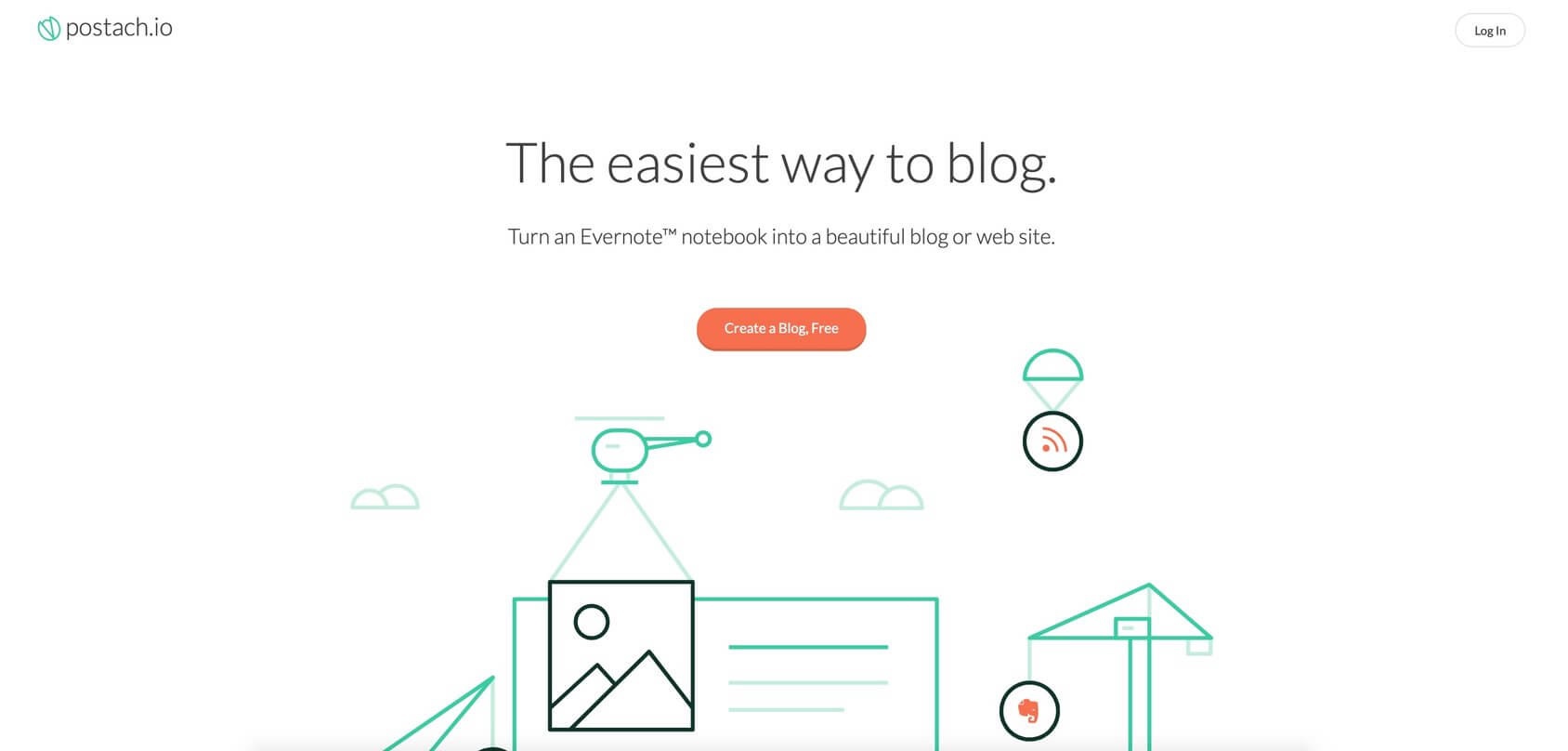
Postach.io is a blogging platform powered by Evernote, and it enables you to convert your notes into blogs.
To sign up with Postach.io, you need to register a new account, or use an existing Evernote account. You’ll need to install Evernote and then integrate it with Postach.io to connect your notes. It is a convenient way to enter the blogosphere. Users are able to use the dashboard to personalize their blogging website according to their taste and write blogs on the go with Evernote.
You can set up a free blog with this software, but if you want a custom domain, subscribe to a paid package. Postach.io also offers a collection of free and premium themes to help you create a visually appealing blog.
Key features
- Add images – insert pictures to engage your readers.
- Evernote sync – integrate notebooks with Postach.io.
- Site editor – customize your blog site through a robust dashboard.
- Custom domains – optimize your site with a paid custom domain.
- Visual content – insert a logo or avatar to personalize your blog.
Plans and pricing
Postach.io is available in four plans:
Free version
- Create a free blog with no credit card required.
1-5 sites plan
-
$5.00 per month
or $50.00 per year
6-20 sites plan
-
$15.00 per month
or $150.00 per year
21-50 sites plan
-
$25.00 per month
or $250.00 per year
Weebly.com — Plain drag and drop builder functions
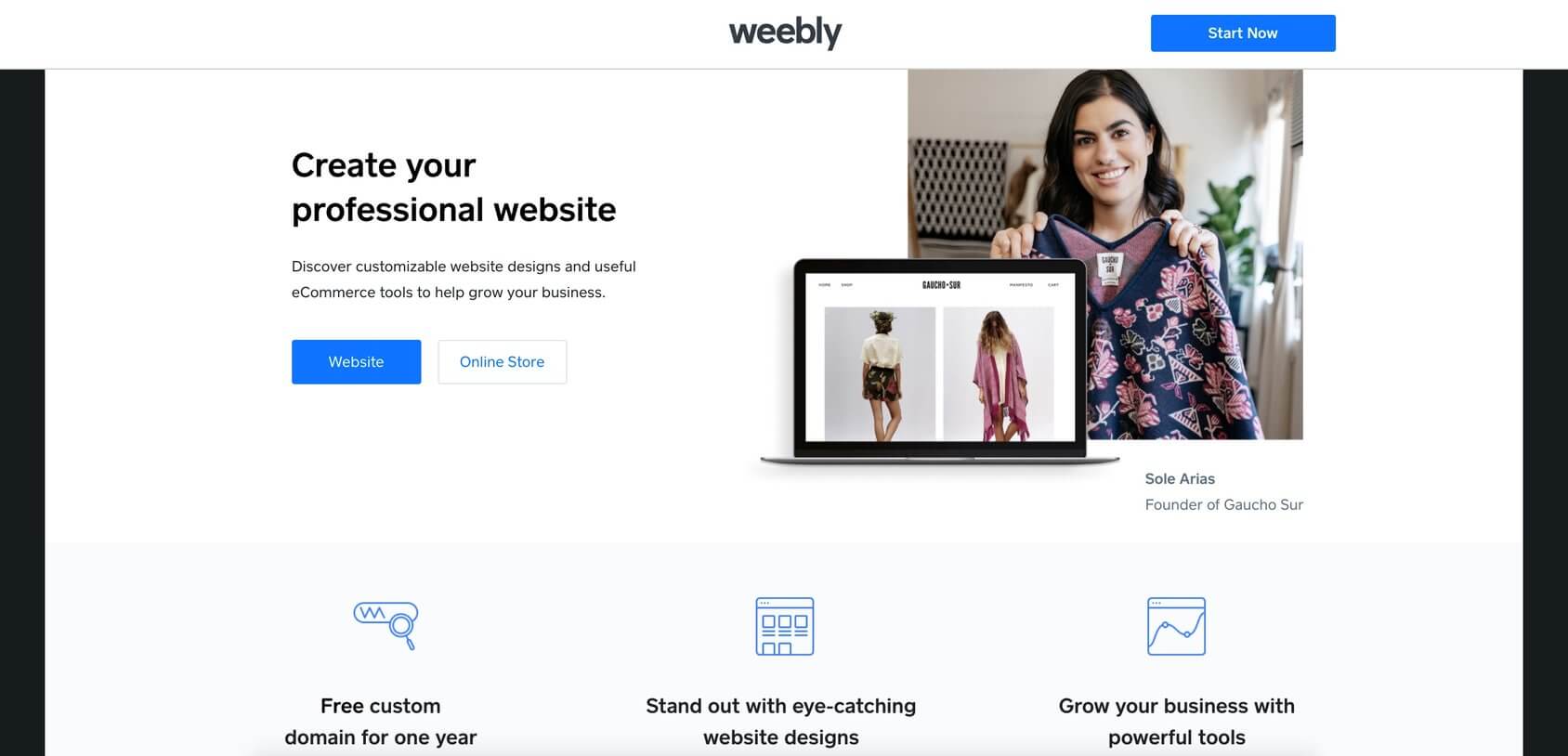
Weebly is a simple yet powerful website builder with a blog setup option available via an easy drag and drop editor.
In 2018 Weebly was acquired by Square, a mobile payment company. This change is a sign that their focus is mainly around websites, particularly eCommerce and small business sites. However, the platform offers blogging services, and anyone can try it for free.
Weebly gives you complete freedom to build your blog using beautiful themes with builder functionality. There’s also a free built-in hosting provider that ensures fast loading time for your website. All in all, the Weebly platform gives the right tools that work in combination with powerful features to create a blog in minutes.
Key features
- Drag and drop website builder – create your blog with powerful tools.
- Media management – gather images and create your galleries.
- Free personalized templates – alterable professionally designed templates.
- Search engine optimization – SEO tools to rank your website.
- App collection – multiple apps and third-party integrations that add functionality.
- Social media sharing – RSS integration to share content on social networks.
Plans and pricing
Weebly service is available in the following plans – Free, Connect, Pro, and Business:
Free version
-
As Weebly.com subdomain
example: yourblogname.weebly.com
Use it for free with the Weebly subdomain and branding. Free SSL certificate and 500MB storage.
Connect plan
-
$5.00 per month
1-year plan billed as one payment of $60.00
Custom domain plus free SSL certificate and 500MB storage.
Pro plan
-
$12.00 per month
1-year plan billed as one payment of $144.00
Custom domain plus free SSL certificate, unlimited storage, no ads, and site search option.
Business plan
-
$25.00 per month
(1-year plan billed as one payment of $300.00
Custom domain plus free SSL certificate, unlimited storage, no ads, and site search option.
How to choose the best blogging platform
Now that you know about all of the options available to you, it’s time to finalize the perfect blog management tool for your needs.
Assess your options against the following checklist:
- Value for your money – ensure that your chosen service is going to deliver precisely what you need. This means easy-to-use blog software, with all of the bells and whistles you need for success.
- Types of solutions available – explore the different solutions that are designed to support you, the blogger. Use these to build a truly unique blog. Options typically include free blog sites, self-hosted platforms, and premium blog site builders.
- Ease of use – some platforms offer quite the learning curve that can discourage new bloggers. You need a simple building tool that doesn’t require any technical skills, design, or marketing expertise.
- Features – you might not need all of the features at the start, but make sure that the best blog platform of your choice lets you customize or modify your website if needed. If you would like some third-party tools to be integrated, check if they are available.
- Blog management – if needed, you’ll have to access the back-end or admin area to update your blog, make any changes, and fix the layout. It is crucial to make sure that this area is available, manageable, and easy-to-navigate.
- Rules and restrictions – before you pay for software, read through the ‘Terms of Usage’ so that you can be sure that you aren’t breaking any rules with the way that you’ll be using it.
This information should be sufficient for you to research and locate the best blogging site for your needs.
Types of blogging platforms
One of the most widely used best blogging platforms and self-hosted CMS (Content Management System) is WordPress.org. It’s recommended by a majority of blogging experts.
This system has emerged as the clear winner for professionals because:
- It takes care of all tasks related to setting up and sustaining your blog.
- The integrated dashboard can make and finalize updates with a click.
- It offers comprehensive customizations and support for blog design and functionality.
While WordPress.org is our top recommendation, if you are wondering about how to set up your new blog, there are several other options as well.
For example, you can consider the following blog sites:
- Free blogging sites (hosted): If you opt for this option, your blog’s address will look like this: domainname.sitename.com. The most significant advantage is that it’s free, but the shortcoming is that you’ll have to follow their rules. Besides, a name with a subdomain can make you look like an amateur.
- Freemium/premium options: If you become interested in a freemium/premium solution, you can experience it in all its glory during a free trial period. If you like it and choose to continue using it, you’ll have to start paying (up to $30 per month).
- Self-hosted blogs: Select this option if you want to host your blog site on your domain and name it however you want. You’ll have to follow some rules set in place by your domain registrar and hosting company, but other than that, you are your own boss. You’ll be fully responsible for the site and its contents. The Self-Hosted CMS is free as well.
- Website builders: These tools let you create simple blogs thanks to their drag-and-drop interface. Take advantage of the WYSIWYG (what you see is what you get) facilities when you use a website builder.
How WordPress compares to other websites for blogging
As explained earlier, WordPress is the absolute best in its class. WordPress is actually home to 43% of websites on the internet, proof that its self-hosted version is very popular.
I’ve already written another guide wherein I compare WordPress with other leading CMS’ so we won’t go into those details here. If you’d like to read these in-depth comparisons, here are the links:
- WordPress.org vs. WordPress.com
- WordPress vs. Blogger.com
- WordPress vs. Tumblr
- WordPress vs. Wix
- WordPress vs. SqaureSpace
These other platforms have their own unique audience as well because they are great for beginners who want to make a blog. But if you want a solid foundation for your blog, nothing beats the self-hosted WordPress.
Moving your blog across platforms
If you’ve already started your blog with another platform, but then decided to move to WordPress, it is possible to do without any downtime. The ‘Import Tool’ with WordPress takes care of it for you.
Go to the WordPress Dashboard and head to the Tools section. Here you’ll find these options to help you import from other solutions:
- Blogger – import posts, comments, and users from a Blogger blog. Read our step by step guide on How To Move Your Blog From Blogger To WordPress.
- WordPress.com – import posts, pages, comments, custom fields, categories, and tags from a WordPress export file. Read our step by step guide on How To Move Your Blog From WordPress.com To WordPress.org.
- Tumblr – import posts and media from Tumblr. Read our step by step guide on How To Move Your Blog From Tumblr To WordPress.
- Wix – import posts and media from Wix. Read our step by step guide on How To Move Your Blog From Wix To WordPress.
- Weebly – import posts and media from Weebly. Read our step by step guide on How To Move Your Blog From Weebly To WordPress.
- Squarespace – import posts and media from SquareSpace. Read our step by step guide on How To Move Your Blog From Squarespace To WordPress.
- LiveJournal – import posts from LiveJournal. Read our step by step guide on How To Move Your Blog From LiveJournal To WordPress.
- Movable Type and TypePad – import posts and comments from a Movable Type or TypePad blog. Read our step by step guide on How To Move Your Blog From Movable Type And TypePad To WordPress.
It is important to remember that WordPress plugins offer other import options as well – try searching the official plugins repository for an importer tool that works for you.
FAQs
A blogging platform is a service that’s used to create and manage a blog so that you can publish your ideas and words online.
Blog sites are also sometimes known as CMS (Content Management System) since they let you efficiently manage content publishing.
You can quickly launch a free blog on WordPress or any other free blogging sites I mentioned in this article.
But if you decide to step up your blogging game and go further, I recommend a self-hosted version of WordPress. With WordPress.org you can build a website in under 10 minutes if you are ok with the default settings, and you find a theme you like.
No. Whether you want to start with simple sites on Tumblr or want to blog on WordPress, you don’t have to know anything about programming languages or databases. Most of the available blogging platforms in the modern world let you build websites through their drag and drop builders. That means that you can sit, relax, and focus on the design.
Yes, even with a free blog, you can earn money with it. There are different ways of monetization (like showing ads, joining affiliate programs, accepting sponsored content, or adding an online store). However, to make money, you will first have to invest time (and usually money) into it. This is something all popular blogs and the best blog sites have had to do.
Conclusion
The most reliable way to find the best blogging platform for your needs is to understand how free blogging sites and self-hosted WordPress function. Also, your choice will depend on your budget, customization abilities, and ease of use of the software you want to use.
Through this guide, I have informed you of all the features (pros and cons), and the pricing range of the best blog sites. And now you know how to get started with each of them.
So which one will you choose?
82 comments on “Best Blogging Sites and Platforms in 2024”
Leave a Reply

Thanks For nice post
good content
Niche keywords are specific words or phrases that relate to a particular topic, interest, or need. They target a smaller, specialized audience. For example, “vegan protein powder” is a niche keyword because it focuses on a specific dietary preference within the broader health and fitness market.
very helpful
Thanks for sharing
Very informative. Love to read the whole post.
Very helpful and practical tips.Thank you
Hi,
I thoroughly enjoyed reading your post on Best Blogging Sites and Platforms in 2023. It provided some great insights, especially Key features.
Thank you for sharing such valuable information. I look forward to more posts from you.
Great work!
Anya,
I have been seeing that WordPress and others have been cancelling bloggers that express opinions contrary to the MSM narrative. I am afraid that some of my content may questionable. Which CMS would you then recommend to assure that I have absolute control over my content?
Thanks.
Hi Cyneath! Usually, free CMS’s have limitations and want you to switch to the paid version. In order to have full control over your blog, we recommend using WordPress.org which is not the same as WordPRess.com (freemium CMS). Please read our tutorial on WordPress.com vs. WordPress.org comparison at https://firstsiteguide.com-com-vs-wordpress-org/.
It was a good read. I just created my own website with a freelancing blog in it. I used WordPress.com, and I’m still trying to figure out which works and which doesn’t. The downside with WordPress.com is the limitations in the free and personal plan. It seems that even the personal plan is not sufficient, and you have to subscribe to their business plan if you are serious about your website. After reading this, I’m thinking of switching to Wix.com or WordPress.org. Thanks for the read.
Hi Crismael! WordPress.com is a good platform to start with but again if you want total freedom and more options for your site, we suggest using WordPress.org. Good luck with your site and blogging!
I tried many of them, but WordPress is the easiest and the most amazing tool to create a professional blog.
We agree with you Indrajeet!
Great tips! Thank you for this information. It is really informative and helpful.
Thank you!
Awesome. Truly, very helpful and practical tips. It will definitely help a new blogger. Thanks.
Thanks Jack!
I am thinking of starting a blog. Reading this gave me a lot of great information as I am new to this. I plan on reading some of the links you added for more information on various topics. Thank you for having this here!
Awesome. Truly, very helpful and practical tips. It will definitely help a new blogger. Thanks.
Thanks Rajesh. I’m glad that you like it!
Thanks for your post, I’m probably going to go with WordPress.org
Good choice Glen! Let me know if you need any help with setting up your blog.
Hi guys! As someone who first started with Blogger, I have to say that I agree with you guys about WordPress.org.
Thanks Aartilall!
Great tips! Thank you for this information. It is really informative and helpful.
Thanks Ann! Let me know if you need any help with any of these blog sites.
Thanks for suggesting these great blog sites.
You’re very welcome Farhan!